What is USB OTG and How You can Use it
1401
views
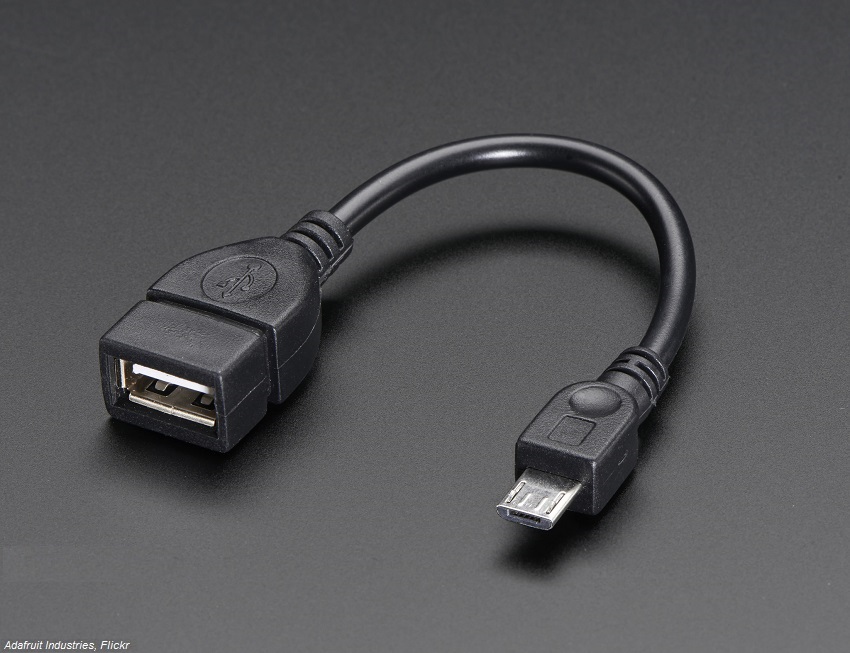
These days everyone has a smartphone and using it for many purposes. Despite our substantial interactions with smartphones, some very cool features of smartphones are still in dark shades. So is the case with some other gadgets which look average but can do wonders for your smartphone. One of less known innovation is USB OTG which can provide many cool benefits to your smartphone. USB OTG can surely enhance your smartphone / tablet experience.
What is USB OTG???
“USB OTG (stands for USB On-The-Go) sometimes only termed as OTG, is a standard which allows communication between smartphones directly, from a smartphone to USB Flash drive or vice versa.”
Which means if you have USB OTG compatible smartphone you can connect two smartphones to each other or can connect a USB Flash Drive to a smartphone. In this case, your smartphone behaves like a host to other connected device (USB flash drive, Game controller etc.) and you can control other device from your smartphone. Prior to the OTG feature, the smartphone users were not able to enjoy this option. But with the availability of OTG, you can enjoy a whole lot of cool features discussed below.

How to Check your phone supports OTG??
Before enjoying a bunch of cool features of USB OTG, you should check whether your device supports OTG. All the recent (one or two year old) mid to high range smartphones have this feature.
The easiest way to do so, is to read the packaging box or manual of your device. You can watch out for OTG logo (described in above image) on your packaging box or device manual. If you find such logo, then your device surely supports USB OTG.
If you can’t figure out this OTG support feature from first method, you can use another method which is also very easy. For this purpose, type your model name in Google search bar and hit search, then different website links will pop out showing that they got the info about your smartphone. Open any website link from search results and watch out for OTG in specifications.
However, if none of above methods work for you, then there is another method which is relatively easy. To Check the OTG support, you can download USB OTG CHECKER app from Play Store for your android phone. This app will do the hard work for you and will show the result that your phone supports USB OTG or not.
USB OTG Connector/Cable:
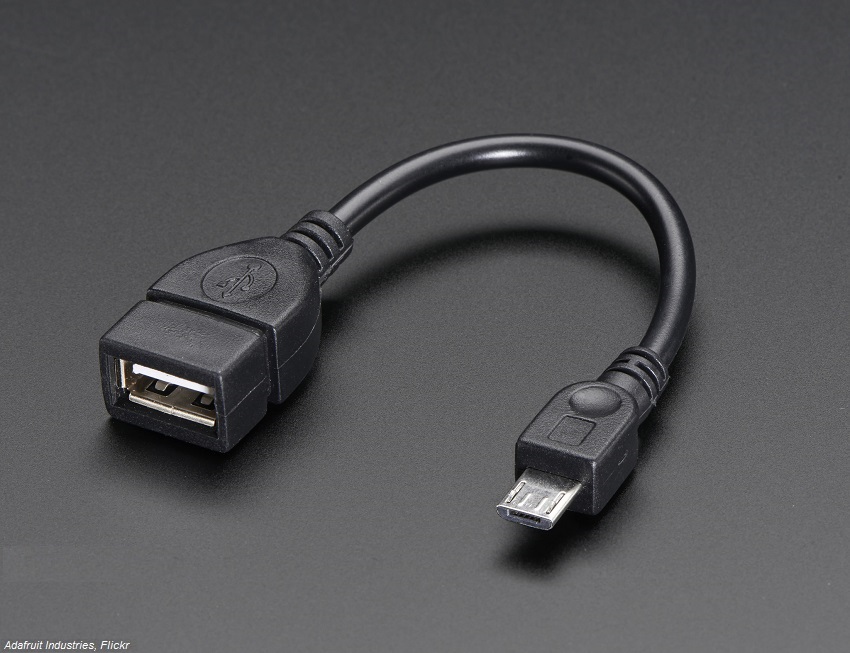
If your smartphone has OTG compatibility, you can enjoy a bunch of cool benefits. But first you will need to have a USB OTG connector or Micro USB to USB cable (USB OTG Cable). You can view a USB OTG cable in the picture below. This usually costs from $2 to $10 depending on the quality of the cable.
Cool Features of USB OTG:
You can unleash many cool benefits to your Android device. Few of them are discussed below.
Connect Flash Drives or External Storage Drives:
This is a very cool feature of USB OTG, you can connect external USB flash drive or Storage Drive to your smartphone and can exchange data between them. USB flash drive works pretty fine but external storage drives sometimes behave abnormally. USB Drive or Storage Drive should be in FAT32 format for better results.
Connect External Keyboard or Mouse:
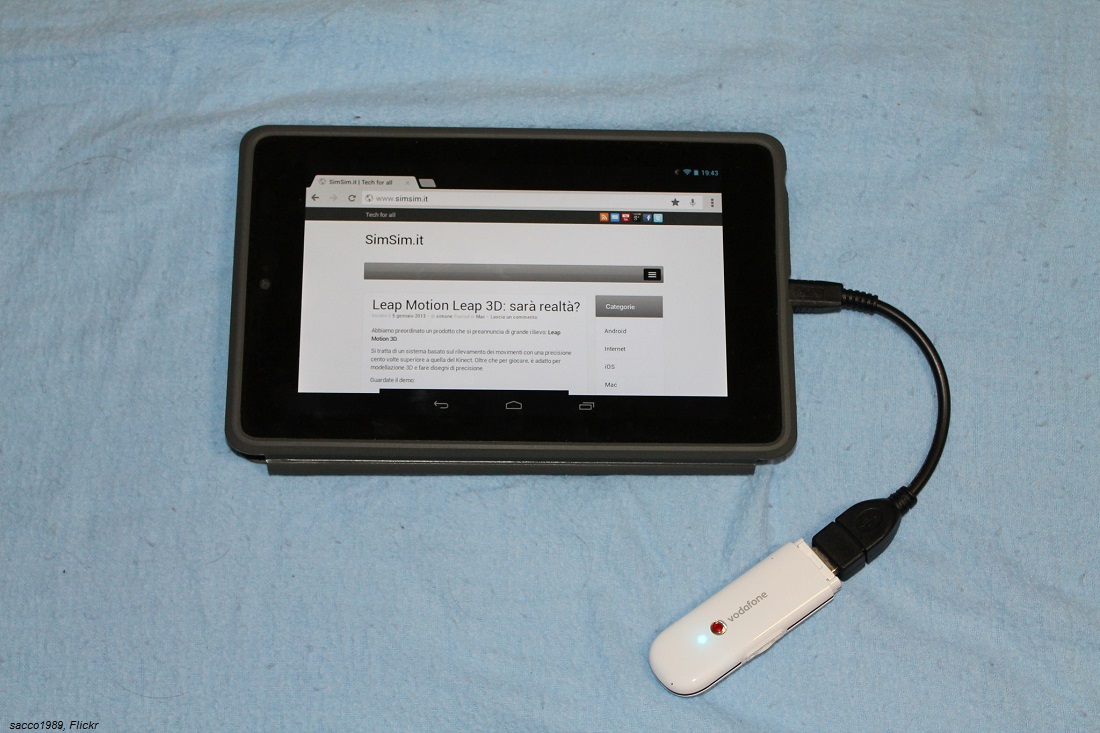
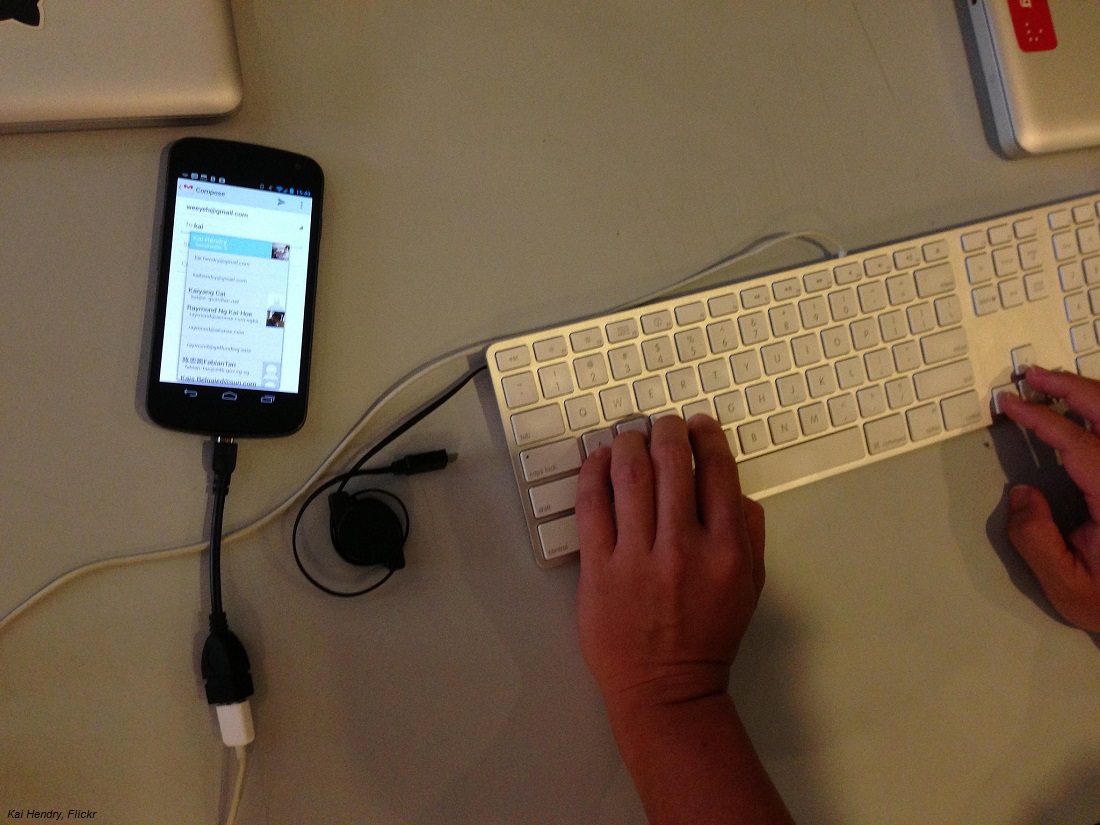
USB OTG enables you to connect a mouse or keyboard to your device (smartphone or Tablet) and turn your device in a kind of laptop.
Connect Video Game Controllers:
This is another cool feature which will surely attract the attentions of gamers. The idea is to connect a video game controller to your device and turn it in a gaming hub.
Other Cool Features:
You can also enjoy other cool features of USB OTG. You can connect your device to a printer through USB OTG cable and start printing directly from your phone. You can also connect a DSLR to your device and start using DSLR from your device. For better experience you can use a DSLR controller app from Play Store.