Why phone battery dies so fast
1049
views
The revolution of smartphones have changed the dynamics of human life. With the continuous development in the smartphone’s technology, one expects to perform most of the tasks with the help of smartphone. Eventually, it is becoming possible to perform most routine jobs through a smartphone like paying utility bills, managing excel sheets, streaming online movies and tons of other tasks as well. On the other side, the smartphone needs a stable power to stay alive. A smartphone without a steady battery is quite useless. But due to stiff competition among the smartphone producers, they are bound to provide slim mobiles, which lessens the chance of bigger batteries. Also, most of the smartphones are relying on, decade old, lithium-Ion battery technology. All above factors point towards the importance of batteries and their low capability. But one has to understand first that a smartphone battery does not drain automatically unless it is faulty one. Here we will try to discover those factors which kill battery fast in idle mode.
Background Apps:
One of the key factor in low battery life, are the background apps like Facebook App, WhatsApp etc. Some of the installed apps keeps using smartphone even when the phone is idle. Smartphone battery dies fast due to the constant usage of the resources by the background apps and certain amount of battery decreases in idle mode. People usually install Third Party Apps to kill the background apps, but this does not help much either. The best way to stop the background apps is that you should manually close the apps in phone settings. You can use Facebook through the mobile browser as well.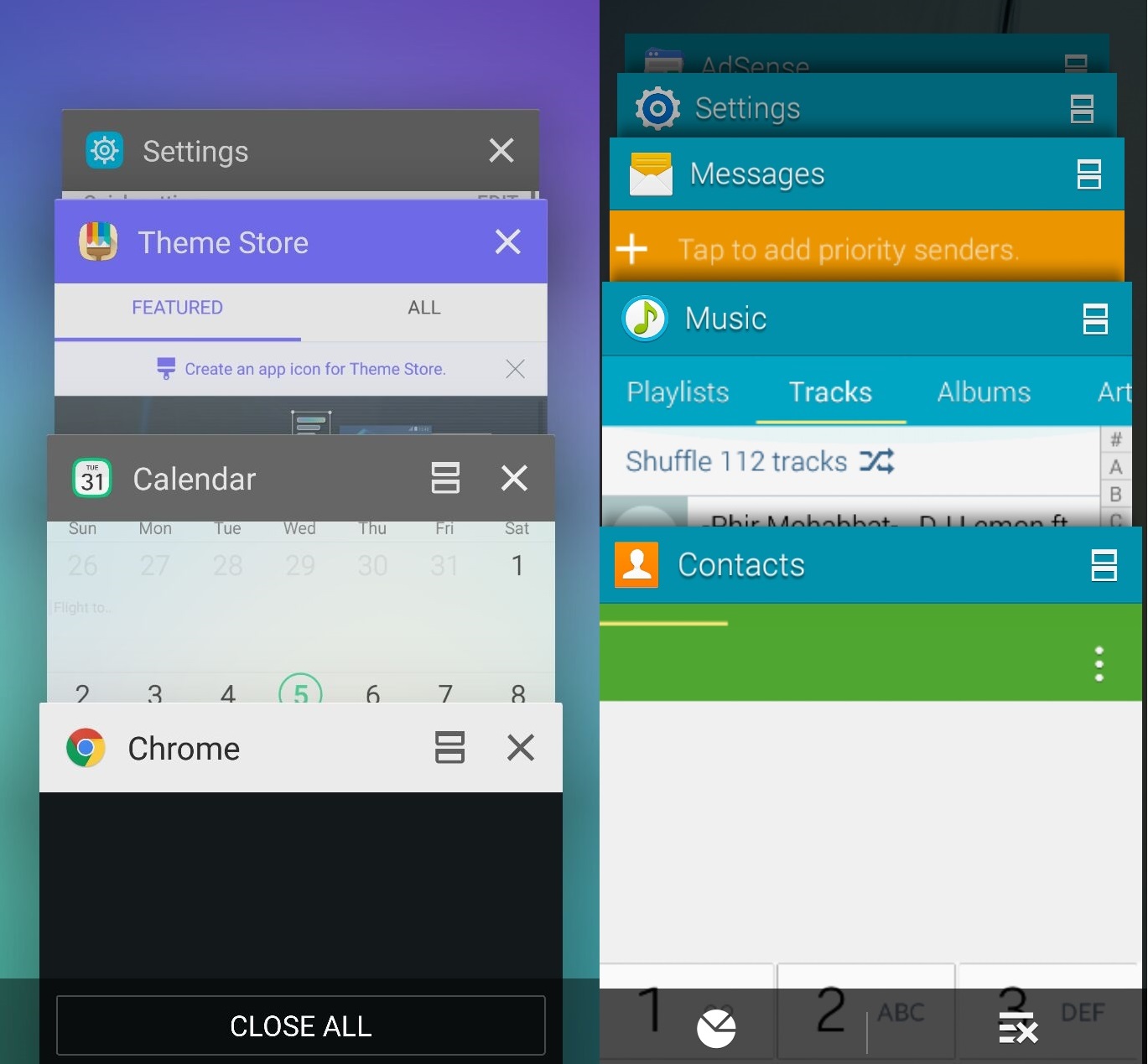
GPS:
GPS (Global Positioning System) is among the factors that decreases battery level very fast. The applications that use GPS always publish your coordinates to the servers, which obviously uses the resources of the phone to send coordinates. When you are not using GPS or tracking applications, turn it off to reserve battery of the smartphone. Also you should keep an eye on those apps which require location tracking for proper functioning.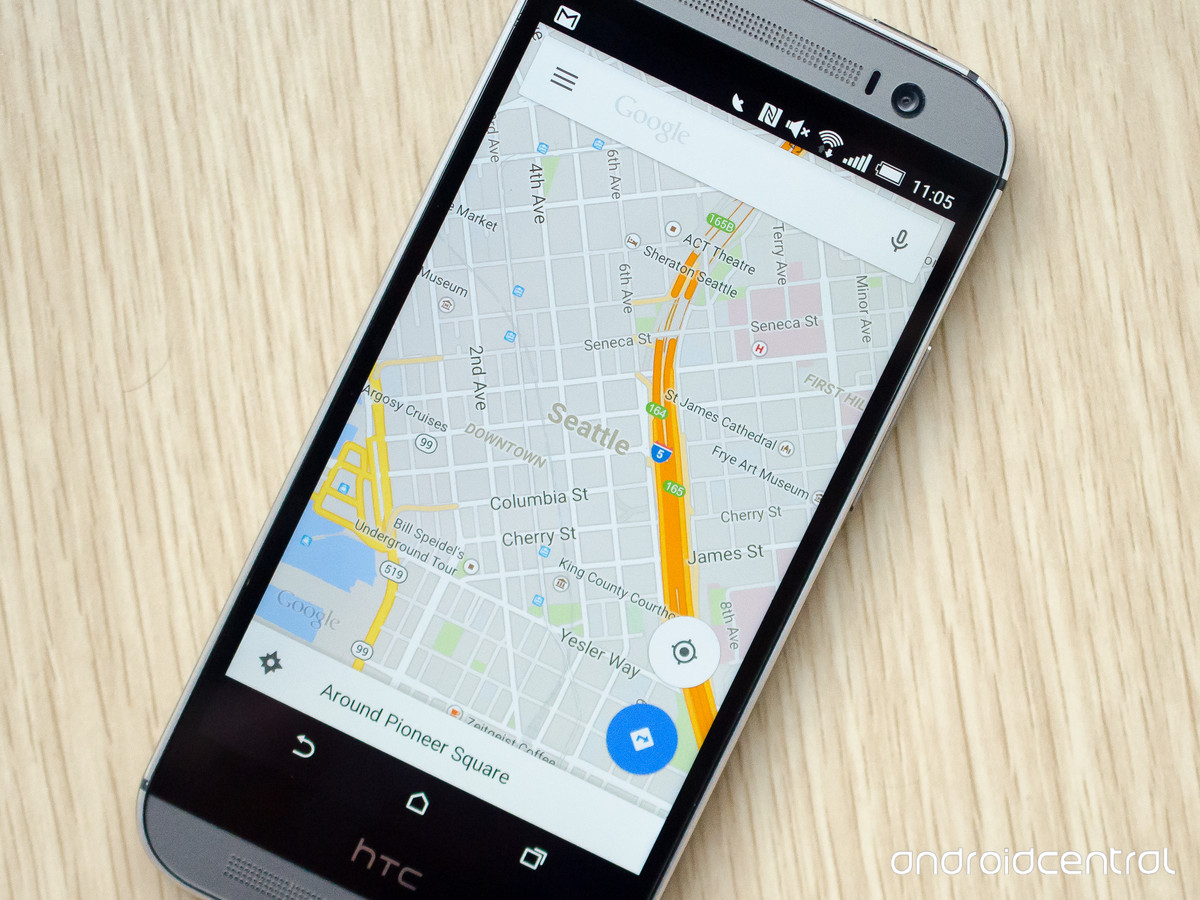
Wi-Fi and Cellular Networks:
Wi-Fi and cellular networks are also affects the battery life. Especially Wi-Fi decreases the smartphone battery very fast even when the phone is not being used. When you are not using Wi-Fi, turn it off. Poor signals broadcasted by the cellular networks also affects the battery span. The areas where the signals are poor, the smartphone is constantly looking for better signal strength and hence battery decreases more quickly. Mobile data is also the killer of mobile phone battery. When you are not using mobile data, turn it off to preserve battery.
Faulty Battery:
If none of the above applies to your smartphone battery than may be your battery is faulty. You can contact your mobile vendor for the inspection of battery. If the battery is faulty, you should change it as soon as possible because the faulty battery can lead to other damages. You should contact the warranty centers or local mobile shop for the replacement of faulty battery.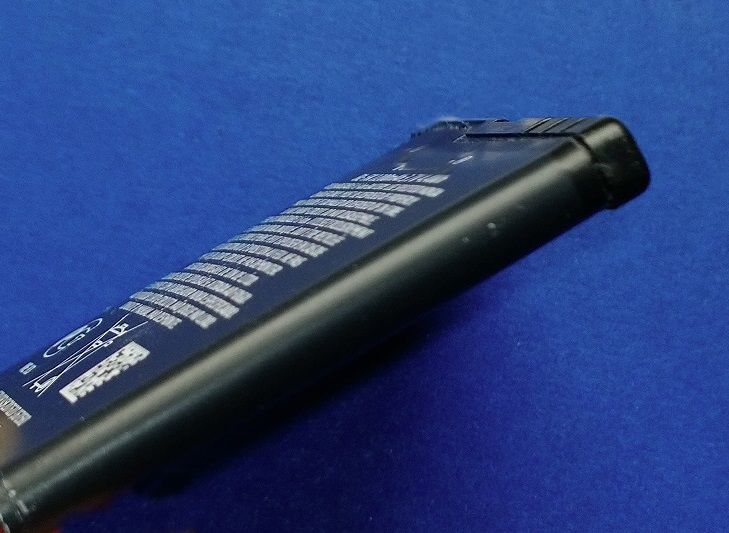
Other Reasons:
There may be few other reasons which reduces the battery level. Like your smartphone brightness is way too high or heavier themes which require more graphic performance or vibration etc. These also affect the battery timing but not as much as above factors do. For better usage of battery, you should set the screen brightness to a level which is lowest and yet comfortable for usage.